Key takeaways
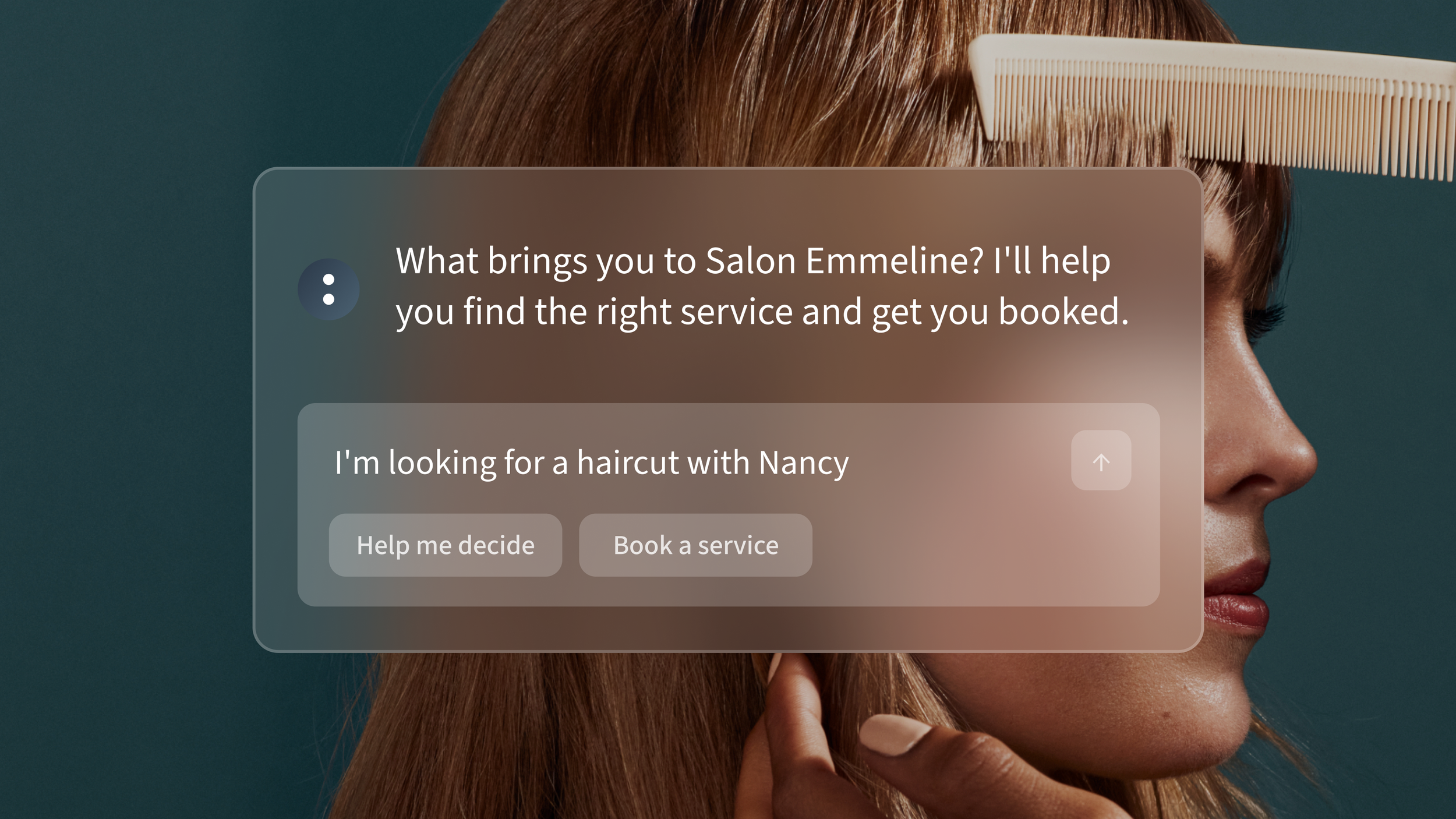
Clients can book using natural language instead of navigating dropdown menus or forms.
The Booking Assistant recommends services and checks availability through a simple chat interface.
It handles complex needs like recurring appointments making it a good fit for beauty and wellness businesses.
It runs 24/7, so clients can book outside business hours and fewer opportunities are missed.
Simplifying how clients book appointments
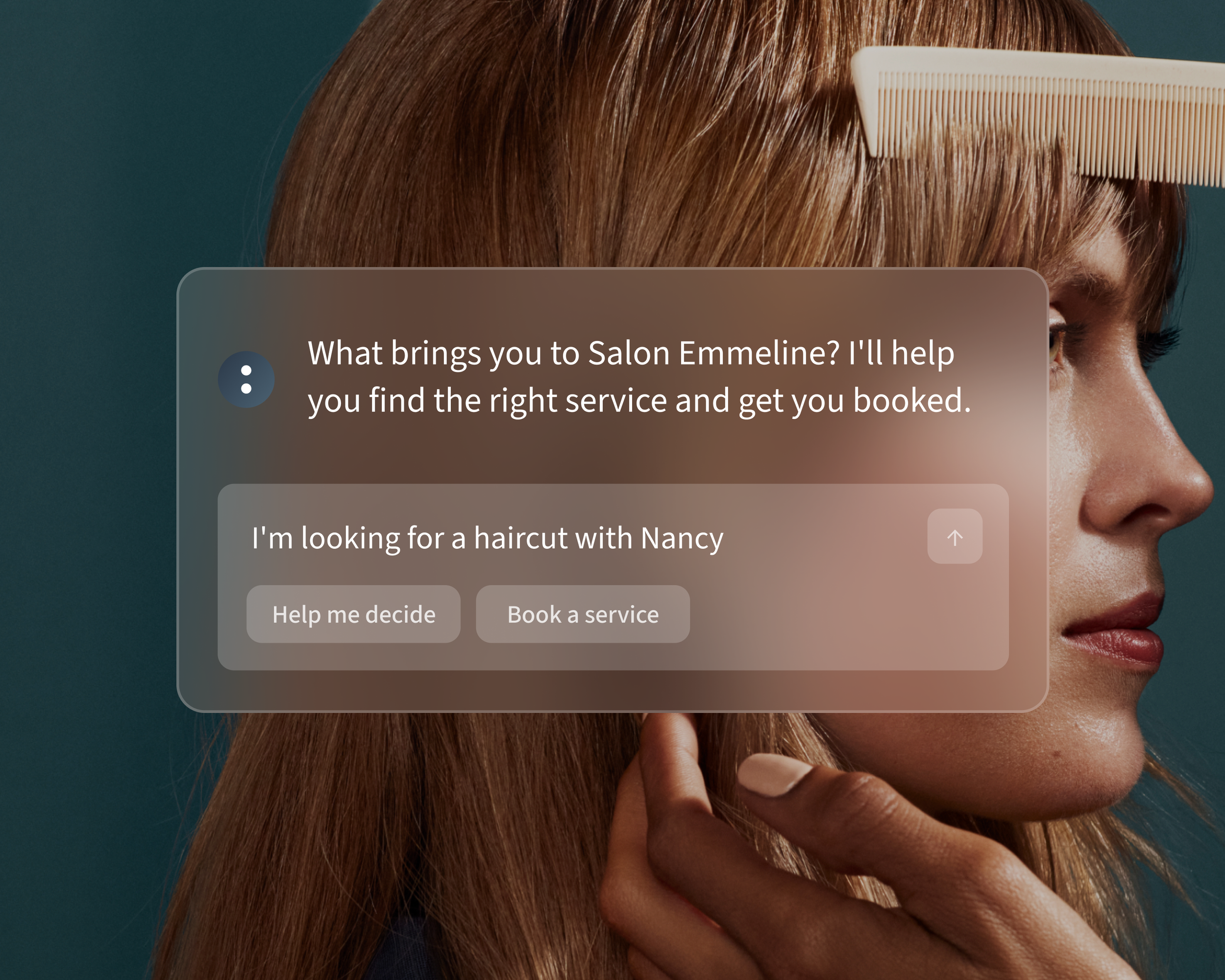
The Booking Assistant is a new feature on Acuity Scheduling's Premium tier plan, designed to make appointment booking easier for your clients. Instead of navigating menus, clients can describe their needs in plain language, and the AI recommends services, checks availability, and answers questions through a simple chat interface.
Why traditional scheduling doesn’t match client behavior
Most scheduling pages follow a rigid structure: pick a service, pick a provider, pick a time. While this approach organizes your offerings, it doesn’t always match how clients think. Many clients start with a specific goal, like preparing for an event or solving a problem, without knowing the exact name of your services. Complex dropdown menus can lead to hesitation or worse, abandoned bookings.
This issue is even bigger for businesses with extensive service menus. For instance, 30% of active Acuity Scheduling users offer over 21 types of appointments. The complexity can cause potential bookings to fall through.
What the Booking Assistant does
The Booking Assistant brings conversational AI to your scheduling process. Here’s how it works:
Clients describe their needs in plain language.
The AI recommends the best service and checks availability.
The assistant also answers basic client questions, like business hours, policies, and provider details, making the booking process even smoother.
Why beauty and wellness businesses benefit the most
Beauty and wellness businesses often face specific scheduling challenges:
Services vary in length and type.
Providers have specialized skills.
Clients may want to set up recurring appointments.
The Booking Assistant simplifies this process by matching clients’ goals with the right services, providers, and times. It reduces back-and-forth communication while ensuring accurate scheduling.
The value of conversational AI
With the Booking Assistant, clients can:
Find appointments using natural language without needing to guess service names.
Get answers to common questions, like hours or policies, directly in the chat.
Join waitlists if their desired time slot isn’t available.
Use voice-to-text for booking requests.
How to set up the Booking Assistant
The Booking Assistant is available on the highest-tier Acuity Scheduling plan - Premium. Setting it up is quick:
Open the Booking Assistant panel
Switch the Display on Scheduling Page toggle on.
Customize the assistant with common client questions and business details (optional but recommended).
Click save.
Taking a few minutes to set up the AI ensures it answers key client questions and accurately guides them to the right services.
Capture bookings 24/7
The Booking Assistant works around the clock, securing appointments even when you’re unavailable. Since ~46% of salon bookings happen outside regular business hours, this feature helps capture valuable opportunities.
Want to make scheduling easier?





FAQs
What does this feature do for appointment booking?
It’s a chat interface where clients describe their needs in plain language. The Booking Assistant recommends services, checks availability, and confirms bookings without dropdown menus.
How does the Booking Assistant reduce manual bookings?
By handling complex requests like waitlist or recurring appointments through a chat, fewer clients need to call, email, or abandon the booking process.
Is the Booking Assistant available outside business hours?
Yes, the assistant works whenever your scheduling page is live, allowing clients to book anytime.
What plan includes the Booking Assistant?
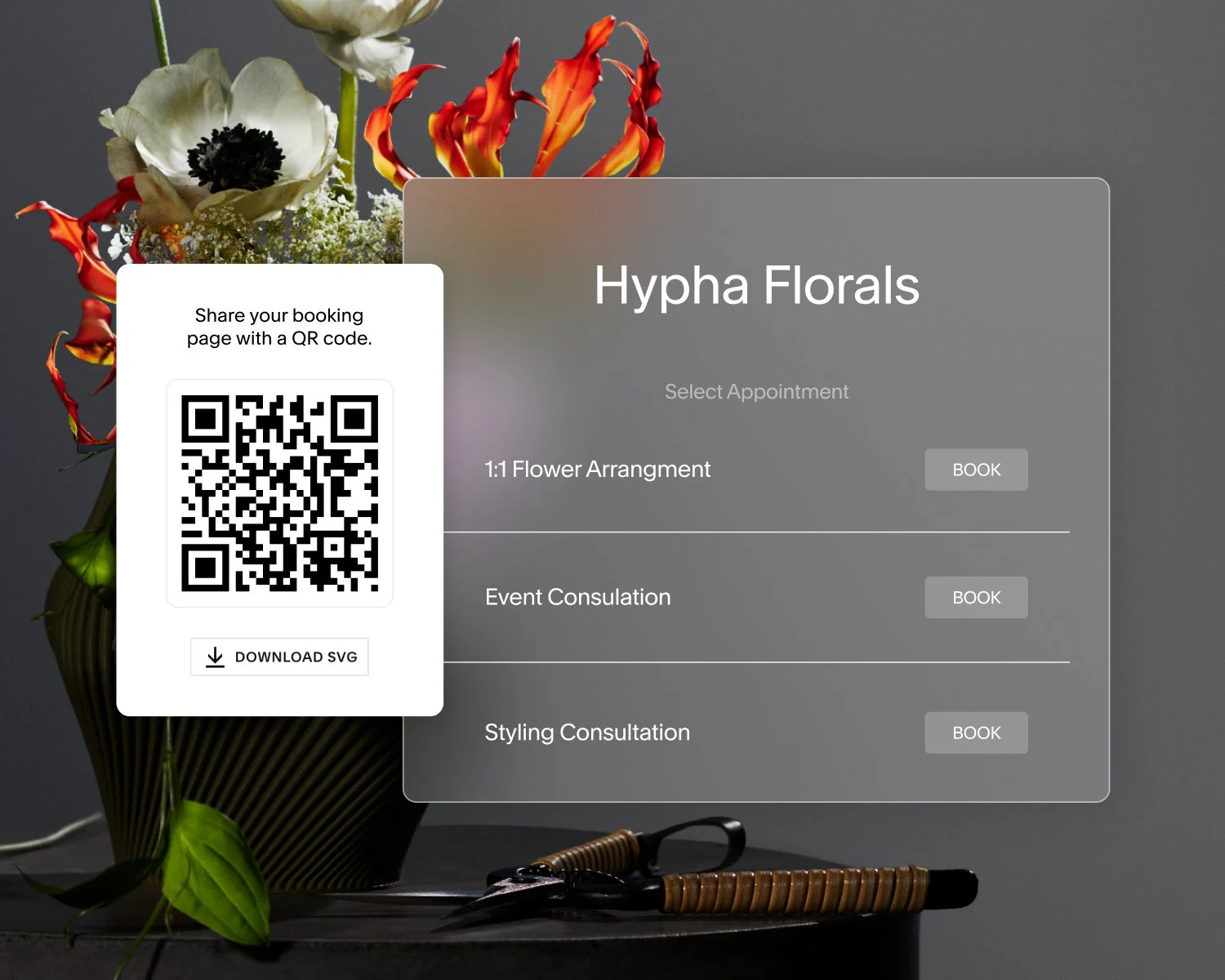
Yes. In addition to an Acuity Scheduling QR code for your full scheduling page, you can generate a code for any individual appointment type or service. Open the appointment type, click the QR Code tab, and download the image. This sends clients directly to that specific service when they scan.
What if the AI can’t answer a client’s question?
If the AI doesn’t have an answer, it redirects the client to booking instead. You can expand its knowledge by adding custom business details and FAQs during setup.